One party. Many perspectives. Pick your camera.
Watch a creator group as one synchronized party. Switch between player perspectives without leaving the page, while shared party audio stays stable.
8 perspectives Stable party audio Consent-gated publishing
No parties live right now.
Be the first — start a party and invite your crew.
How it works
Live in three steps.
No OBS labyrinths. No eight-tab chaos. Just a party.

1 Create the party
Name it, set visibility, open the room. One page for the whole crew.

2 Invite the crew
Seven seats. Each player consents to publish — video, mic, or nothing.

3 Go live, switch angles
Viewers pick any perspective mid-stream. Party audio never drops.
Perspective wall
Every angle, live.
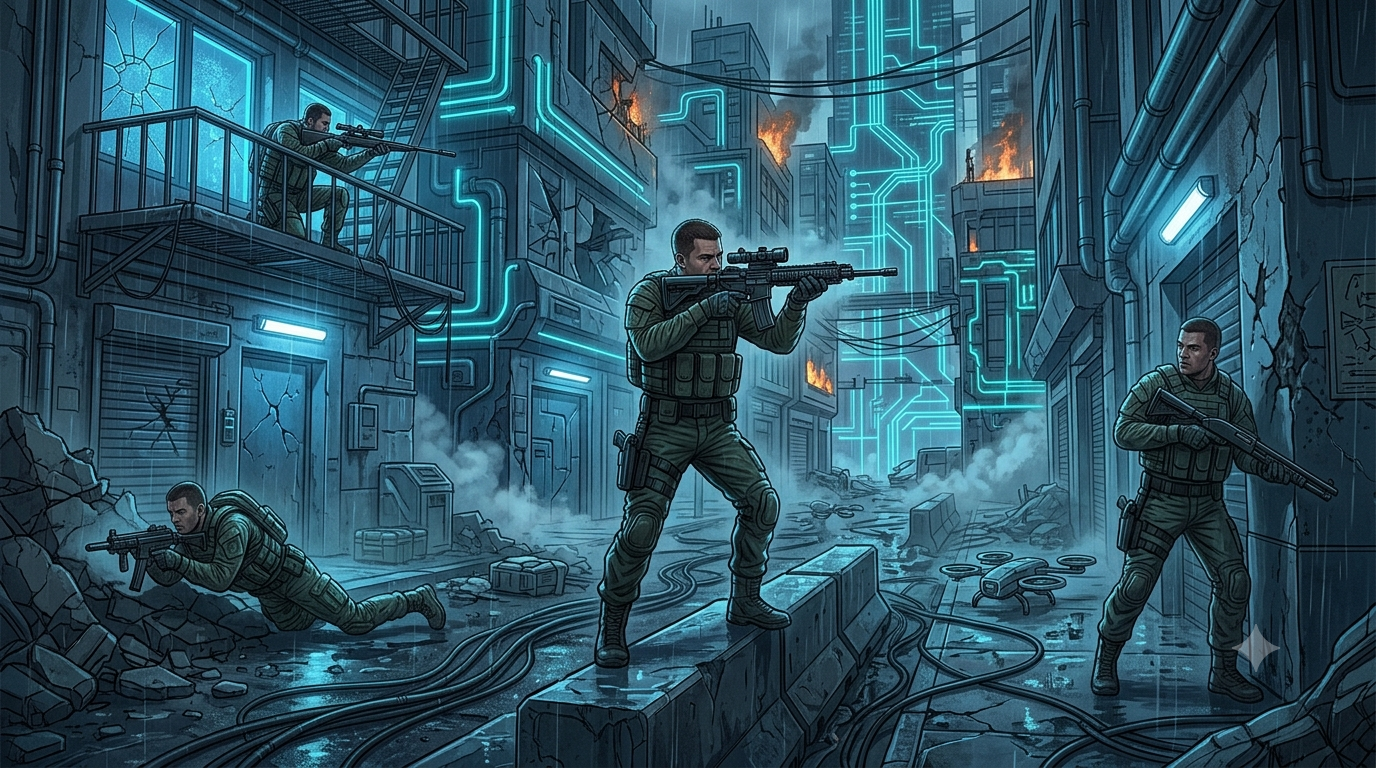
One party, eight viewpoints. Previews stay light; the selected angle streams full quality.
Stable audio
Switch cameras. Keep the conversation.
Changing perspectives never swaps your audio. Pick a mix and it sticks.

Mix:
Top on Twitch now
What crews are playing.


Your crew is already playing. Watch it together.


Party crews streaming nightly